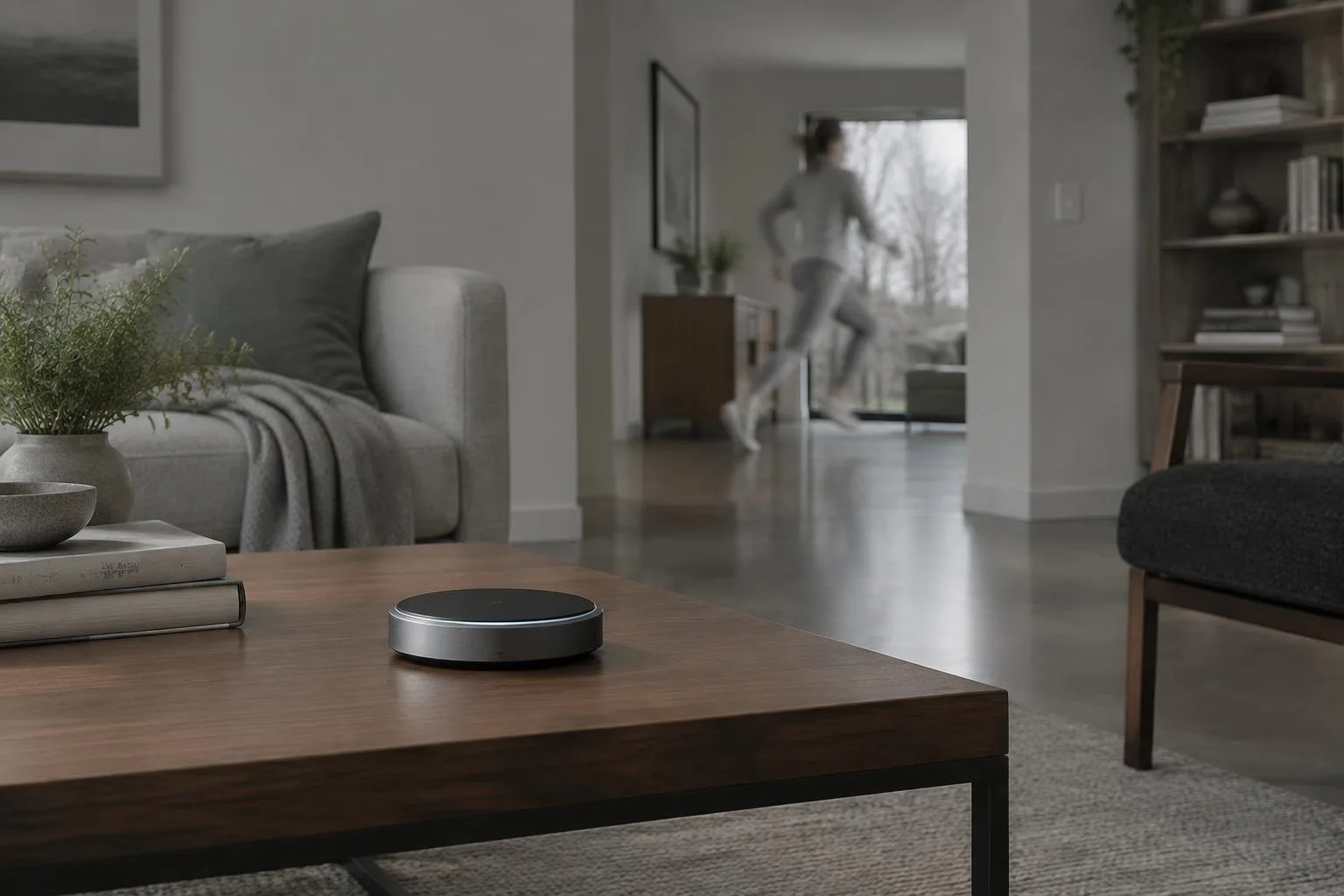
The Apple HomeView arrives as a $299 tabletop smart display that doubles as a HomeKit and Matter hub. It adds a visual layer to Siri, lets you view photos, messages and calendars, and promises to control every accessory you have set up in the iPhone Home app. Yet the promise of “works with Apple Home” does not guarantee full functionality for every device.
Understanding what the HomeView can truly manage is essential before you commit your existing ecosystem to this new centerpiece. Below we unpack the hardware’s role, list the brands that integrate smoothly, highlight the protocols that remain out of reach, and give a step-by-step method for confirming compatibility.
Where HomeView sits in Apple’s smart-home ecosystem
Core functions and built-in apps
The device runs a custom OS that restricts you to pre-installed Apple applications such as Messages, Music, Calendar, Find My and FaceTime. Audio playback uses a pair of full-range drivers and a dedicated woofer in the base, delivering sound quality between the HomePod mini and the full-size HomePod. Because the HomeView supports CarPlay-enabled third-party services, you can stream from Spotify, YouTube or Netflix when an iPhone or iPad is nearby.
Beyond media, the display acts as a secondary control surface for any accessory already configured in the iPhone Home app. It inherits the same scenes, automations and user profiles, meaning a family of up to six members can switch profiles simply by standing in front of the screen.
Brands and accessories that connect without extra hardware
HomeKit and Matter certified devices
Any product bearing the “Works with Apple Home” or “Works with HomeKit” badge will appear in HomeView’s interface. Long-standing Apple partners such as Aqara, Eve, Nanoleaf, Ecobee and LG ship numerous HomeKit-compatible lights, sensors, thermostats and displays. Because HomeView also functions as a Matter hub, devices that have earned Matter certification (for example newer robot vacuums, smart locks and cameras) will be discoverable.
When you add a Matter-enabled gadget, the Home app registers it under the same accessory list that the HomeView reads. Basic commands such as power on/off, temperature setpoints or lock/unlock are immediately usable from the 7-inch screen.
What HomeView cannot control directly
Protocols that require bridges
Devices built on Zigbee or Z-Wave do not communicate natively with the HomeView. To keep these accessories in the Apple ecosystem you must insert a compatible bridge, for example an Aqara hub that supports Matter, and then link the bridge itself to HomeView. The bridge acts as a translator, exposing the Zigbee/Z-Wave devices as Matter endpoints.
Feature gaps within Matter devices
Even when a gadget is recognized via Matter, the HomeView may only expose a subset of its capabilities. A robot vacuum could appear as a simple on/off switch, while advanced scheduling or room-specific cleaning modes remain hidden until future Matter firmware updates expand the API. The same limitation applies to smart locks and cameras whose richer settings are currently accessible only through dedicated companion apps.
How to verify compatibility before you buy
1. Check the label: Look for the “Works with Apple Home” or “Matter” badge on packaging or product pages.
2. Search the Home app: Open the Apple Home app on your iPhone, tap “Add Accessory,” and see whether the device appears in the discovery list.
3. Confirm protocol support: If the accessory lists Zigbee or Z-Wave without Matter, plan to purchase an additional hub that bridges to Matter.
4. Test basic controls: After pairing, use Siri or the HomeView screen to execute a simple command (e.g., turn a light on). If the command succeeds, the core integration works.
5. Review manufacturer documentation: Some brands detail which features are exposed through HomeKit versus Matter, helping you avoid surprise limitations.
Following these steps ensures that the HomeView becomes a genuine extension of your existing smart-home setup rather than a decorative veneer.
Why the HomeView still matters for Apple-centric households
For families already invested in iPhone, iPad and HomePod devices, the HomeView offers a shared touchscreen hub that mirrors the iOS experience. It consolidates timers, recipes, video calls and media playback in a single location, reducing the need to juggle multiple phones while cooking or managing daily routines. Its ability to hand off Safari pages or audio streams from an iPhone mirrors the continuity features that have defined Apple’s ecosystem for years.
In spaces where a large screen is unnecessary (a kitchen counter, bedside table or office desk) the HomeView provides a compact yet capable visual interface. When paired with compatible accessories, it can serve as the central command center for lighting scenes, thermostat adjustments, and security camera previews, all without requiring a separate iPad.