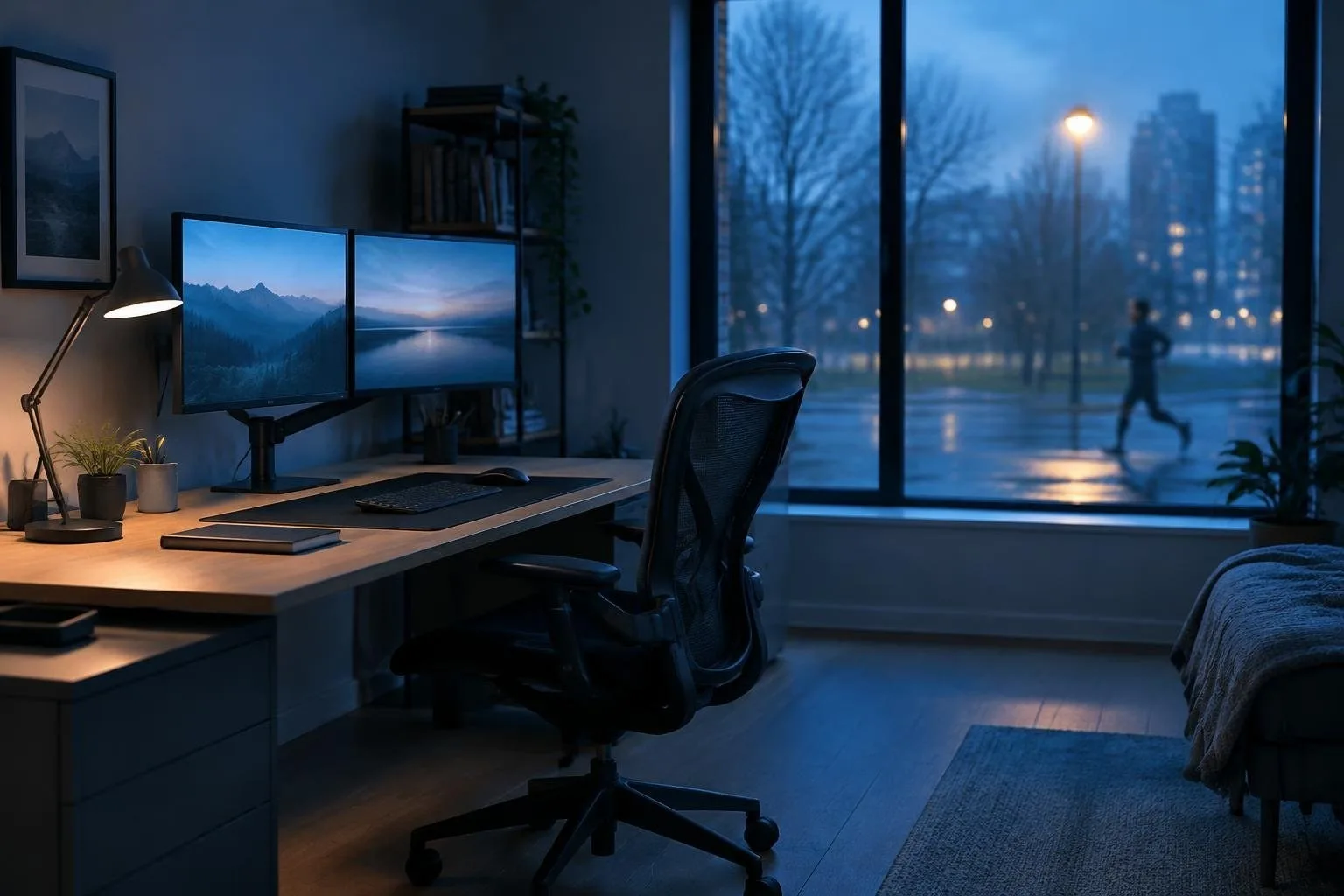
Remote and hybrid schedules have turned many city apartments into full-time work hubs. A makeshift setup on a kitchen table may handle a quick email check, but the daily grind of client calls, document handling and virtual meetings calls for a purpose-built zone. By treating the workspace as a permanent fixture rather than an afterthought, you gain mental clarity, reduce physical strain, and keep essential tools within arm’s reach.
Before buying a premium desk or a high-end monitor, pause to outline what the space must accomplish. Identify the tasks you will perform, the number of people who may share the desk, and whether you will host occasional client visits. This inventory becomes the blueprint for square-footage, lighting, and power requirements, ensuring that the final layout feels spacious rather than cramped.
Determine the right footprint for your tasks
For a single user who needs a laptop, a modest filing drawer and a quiet spot, an area of roughly 8 × 10 feet (80 sq ft) suffices. When the office must accommodate a printer, built-in shelves, or a small meeting table, aim for 10 × 12 feet to 12 × 15 feet (120-180 sq ft). If client presentations or shared workstations are routine, a 14 × 16 feet room (200 sq ft) provides the breathing room for chairs, display panels and a privacy buffer. Regardless of size, keep at least 36-42 inches of clearance behind the primary desk and 30 inches of depth for monitors and task lighting.
Run a quick physical mock-up before finalizing plans: lay out cardboard cutouts of your desk, chair, and any large equipment, then walk around the imagined space. This hands-on test reveals bottlenecks, door swing issues, and lighting challenges. Position the workstation near an east- or north-facing window to limit glare, and pair natural light with adjustable blinds or indirect lamps for consistent visual comfort.
Build an ergonomic core
Ergonomic comfort starts with the desk-to-eye relationship. Mount the top of the monitor so it rests at or just below eye level; this prevents a forward-leaning posture that strains shoulders and neck. Choose a chair that supports an upright spine, lets your feet rest flat on the floor, and offers lumbar adjustment. If the desk height leaves your thighs hanging, a simple footrest eliminates pressure on the lower back. Your forearms should sit parallel to the desk, elbows at a natural angle, and peripherals, keyboard and mouse, must fit your hand size to avoid wrist fatigue.
When selecting daily devices, prioritize models praised for durability and comfort. Contoured mice, keyboards with responsive key travel, and printers that match your document volume keep the workspace fluid. Compact, ink-efficient printers reduce countertop clutter, while a dedicated output tray placed near a vertical file organizer keeps paper from spilling onto the work surface. Evaluating each item against the physical layout ensures the tools cooperate with you rather than cause distraction.
Streamline power, cables and mobility
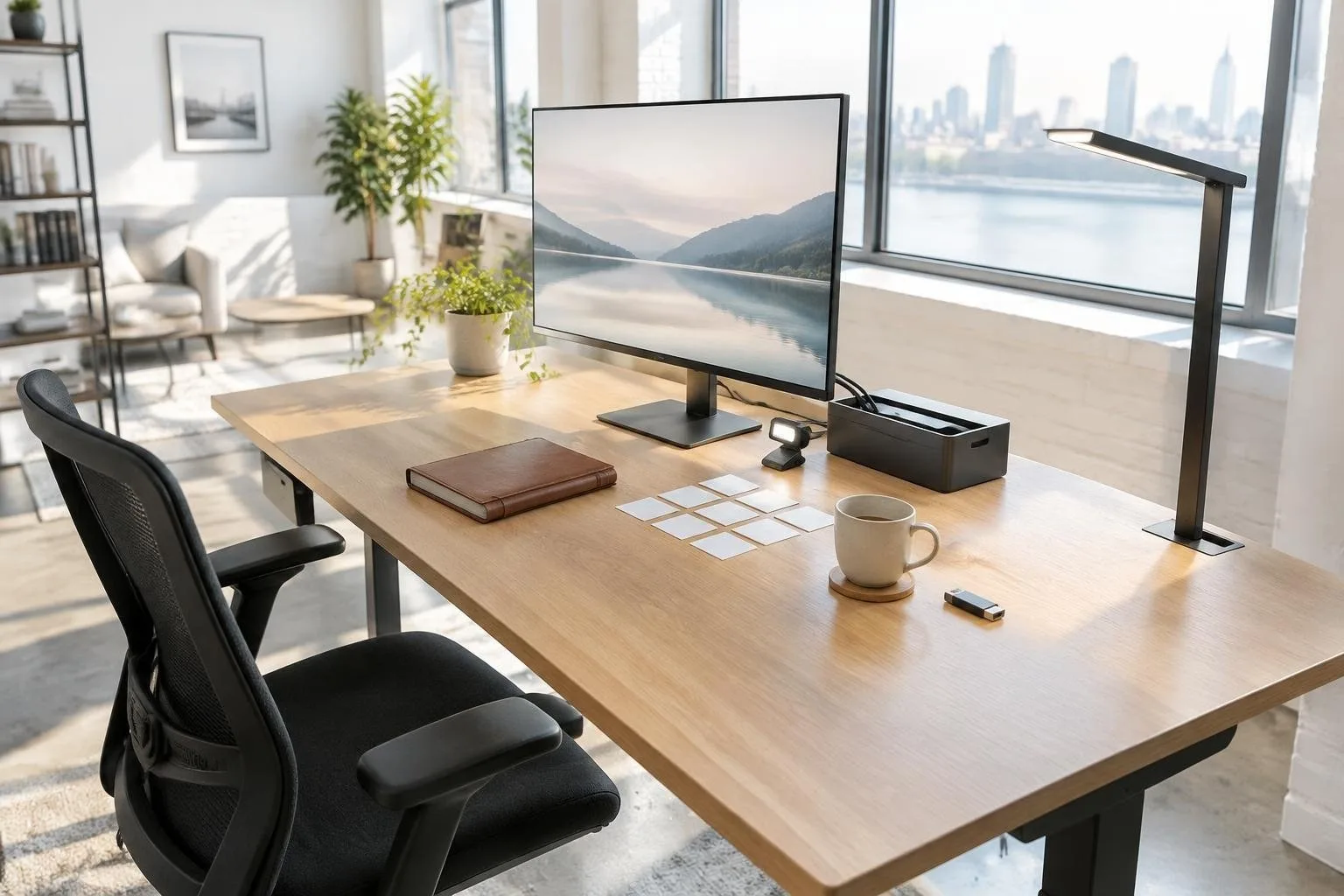
Unsightly cords not only look chaotic, they pose tripping hazards and can interrupt power to critical devices. Install a sturdy power strip beneath the desk or along a leg, then route all charging and supply cables through reusable Velcro ties. Keep monitor, lamp and computer cords on the rear edge of the desk, using clip-on cable organizers to keep connectors accessible yet hidden. This approach simplifies dusting, eases future reconfiguration, and creates a visual calm that mirrors a professional office.
For those who split their day between a home desk, a coffee shop or a client’s office, a single-cable docking hub makes transitions painless. Connect your laptop once to the hub, then plug the hub into the external monitor, keyboard, mouse and printer. When you need to leave, detach the laptop and walk away; the hub remains wired to the stationary equipment, preserving your setup and reducing wear on ports. Regularly clear the desktop of mugs, scrap paper and unused accessories to end each workday with a tidy surface, ready for the next session.