Remote work has become the norm for many households, yet a makeshift desk on a kitchen table often leads to aches, eye strain and scattered focus. By treating the workspace as a deliberately designed zone, you can protect your body, sharpen your mind and keep the room functional for guests when needed. The following sections translate the core principles of home office ergonomics into concrete steps you can apply this week.
Choose the right chair and set a 90-degree foundation
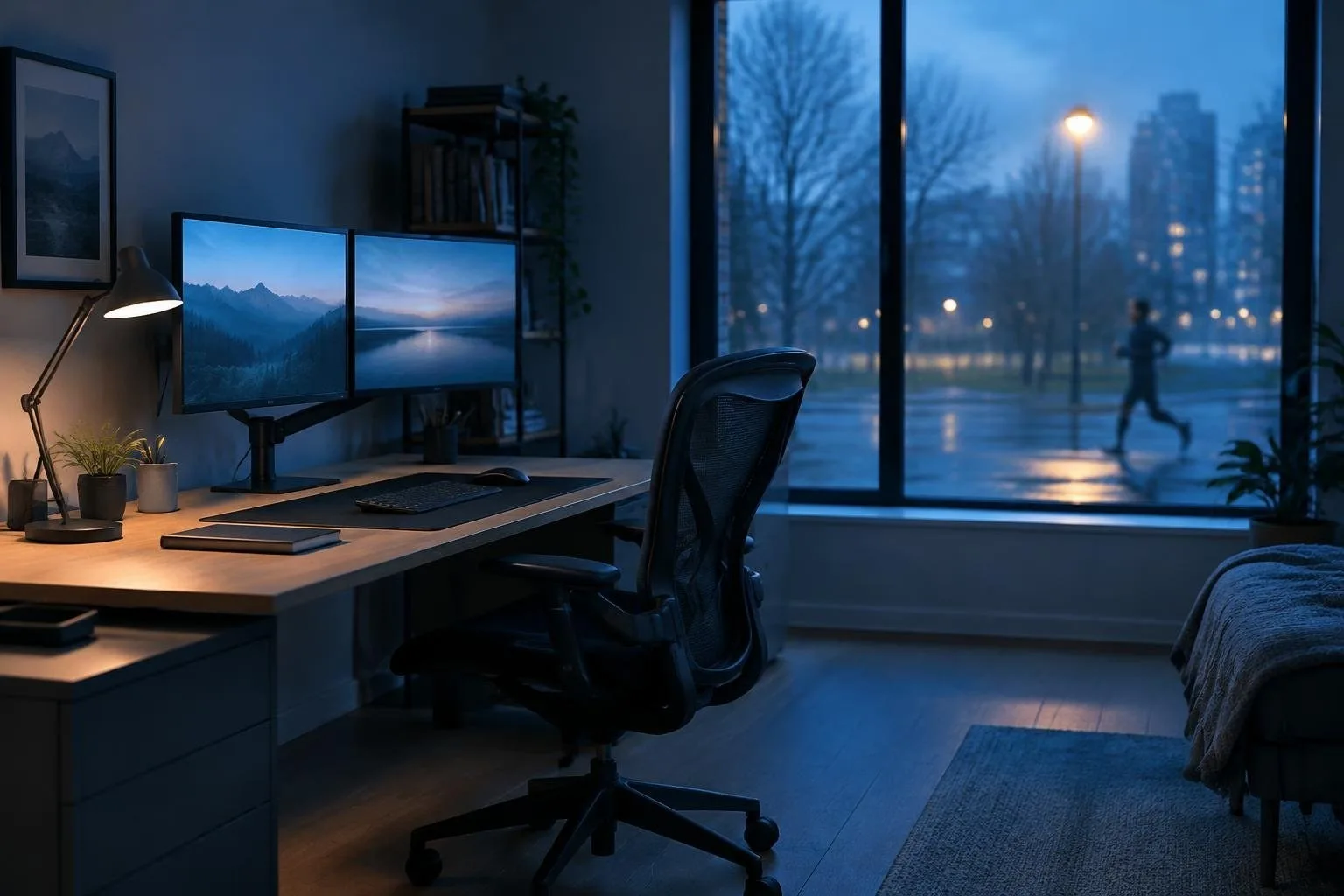
A supportive seat is the backbone of any ergonomic setup. Look for an adjustable chair with armrests that lets you align hips, knees and ankles at a 90-degree angle. When the seat height puts your feet flat on the floor and leaves a two-to-three-finger gap between the front edge of the seat and the back of your knees, circulation stays optimal and pressure on the lower back is reduced. Features such as a lumbar cushion that follows the natural inward curve of the spine, a breathable mesh back and a seat made of molded foam help distribute weight evenly and prevent overheating during long sessions. Ergonomics is the study of how the environment aligns with the body to preserve motion range and strength.
Arrange the work surface for visual comfort
The monitor should sit directly in front of you, at least 20 inches away, with the top of the screen at or just below eye level. This placement minimizes repetitive neck flexion and keeps the eyes at a comfortable focal length. To guard against digital eye fatigue, practice the 20-20-20 rule: every twenty minutes look at an object twenty feet away for twenty seconds. If you share the room with a guest bed, measure the area for both a desk and a sleeper sofa or pull-out bed before purchasing furniture. A compact, wall-mounted desk works well for occasional use, while a permanent workstation benefits from a dedicated floor-standing desk and a clear clearance zone for chair movement.
Measuring for a guest-room combination
Start by listing the equipment you need daily (laptop, external keyboard, printer, reference files) and the items a visitor would store, such as a suitcase or night-clothes. Sketch the room on graph paper, then outline the footprint of each piece, including the space a sofa bed occupies when unfolded. Verify that doors, drawers and outlets remain accessible without navigating a maze of furniture. Dual-purpose storage, like a dresser that holds both office files and guest belongings, reduces clutter and maintains a tidy appearance when the room switches roles.
Light, walls and air quality for sustained focus
Lighting should address three needs: ambient illumination for overall comfort, task lighting for detailed work, and accent lighting for a welcoming atmosphere when the room serves as a bedroom. Ceiling-mounted fixtures can handle ambient light, while an adjustable desk lamp supplies focused illumination on documents or a keyboard. Choose wall finishes that reflect natural daylight, light-toned satin paint or micro-textured panels, to reduce shadows and eye strain. Durable, non-porous wall panels resist scuffs, simplify cleaning and prevent dust from accumulating in crevices, which can otherwise degrade indoor air quality and cause brain fog. Keeping surfaces wipe-clean with a damp cloth ensures the space stays professional for video calls without requiring weekly repainting.
By integrating a well-adjusted chair, proper screen height, the 20-20-20 visual break, thoughtful room zoning and layered lighting, you create a home office that supports your health and adapts to household needs. The investment pays off in fewer aches, clearer vision and a workspace that feels intentional rather than improvised.