Starting a podcast does not require a dedicated room in a studio or a massive budget. All that is needed is a quiet space that can be closed off, a reliable microphone, and a computer that can run recording software. From that foundation it is possible to add a camera, lighting, and a mixer as the show gains momentum. The key is to focus on consistency first: publish regularly, then evolve the setup piece by piece.
The most important lesson from seasoned creators is that the microphone is the single piece of equipment that moves a show from amateur to enjoyable. Even the cheapest USB-compatible mic can capture clear speech, while higher-end dynamic models provide studio-level depth. Once the audio foundation is solid, visual and workflow enhancements become optional upgrades rather than prerequisites.
Essential gear to launch your podcast
Microphone basics
For a starter kit the Audio-Technica ATR2100 offers a dual USB/XLR output, letting you record directly into a computer or later connect to a mixer. It delivers clean sound without the need for an external interface, making it ideal for beginners. If the budget allows, the Shure SM7B is widely regarded as the industry benchmark; its cardioid pattern minimizes background noise and its smooth frequency response adds warmth to voices. Regardless of the model, pair the mic with a sturdy boom arm or desk stand to keep hands free and maintain consistent distance from the source.
Audio routing and mixing
A mixer or audio interface is not mandatory when you first hit record, but it becomes valuable as you interview guests or want to add sound effects. The Rodecaster Pro consolidates multiple XLR inputs, headphone monitoring, and programmable audio clips into a single unit, streamlining live-to-air production. For tighter budgets, the Focusrite Scarlett 2i2 provides two mic preamps and reliable USB connectivity, allowing you to record two voices simultaneously. When you are ready to expand, simple XLR cables link the microphone to the chosen device, and headphones prevent echo during remote conversations.
Visual upgrades: camera and lighting
Camera options
If you plan to share video, a dedicated camera improves image quality dramatically over built-in laptop webcams. The Sony A6400 body paired with a Sigma 16mm f/1.4 lens creates a shallow-depth-of-field look that separates the host from the background. To bring the feed into a computer, an Elgato Cam Link 4K capture card converts the HDMI signal to USB, enabling live-streaming platforms to treat the DSLR as a webcam. For creators who prefer plug-and-play simplicity, the Logitech C920 delivers 1080p video over a single USB connection and is sufficient for most social-media broadcasts.
Lighting solutions
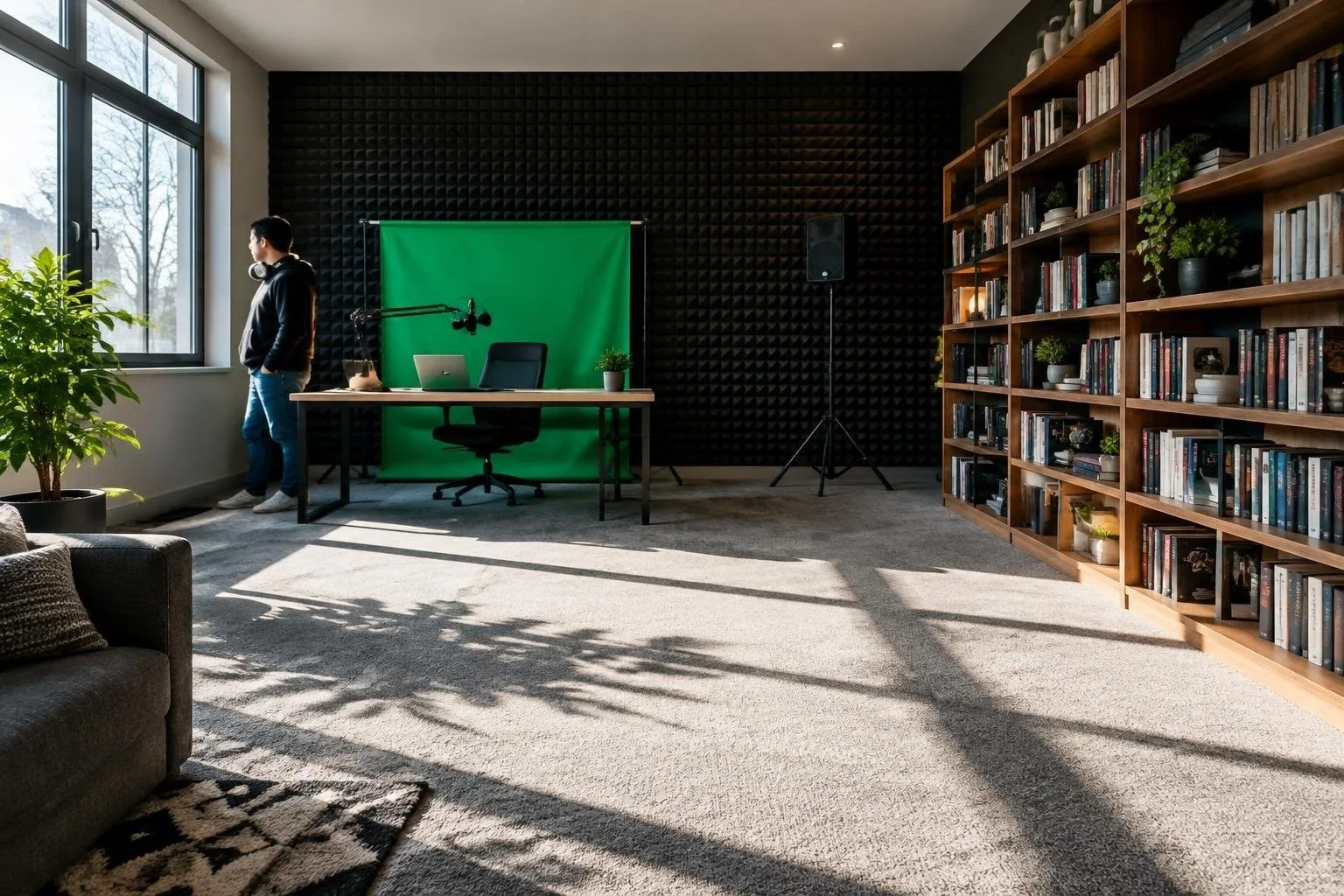
Good illumination removes shadows and makes the image appear more professional. The Elgato Key Light clamps to a desk, offers adjustable color temperature, and can be controlled from a desktop app, requiring minimal space. Travelers who need portability can rely on a Lume Cube Broadcast panel with a tripod; its battery-powered design fits in a backpack and delivers soft, even light. For fixed home studios, a classic soft-box positioned opposite a diffuse source eliminates harsh highlights and works well with a green screen backdrop for virtual backgrounds.
Recording and streaming software
When you are ready to capture conversations, Zoom remains the simplest option: it records audio locally, offers video preview, and the free tier supports one-to-one calls up to 40 minutes. Setting a meeting, enabling both video and audio, and hitting the record button creates a reliable baseline. For higher production value, Ecamm Live (Mac only) integrates graphics, multiple camera sources, and direct streaming to platforms such as YouTube or Facebook, while also saving a local copy. StreamYard provides a web-based alternative with multi-platform broadcasting and an intuitive interface.
On-premise editing can start with built-in tools: GarageBand on macOS and Audacity on Windows or macOS both allow multi-track editing, noise reduction, and export to MP3. As your podcast matures, investing in Adobe Audition or Pro Tools unlocks advanced effects, batch processing, and industry-standard workflows, though they carry monthly subscription fees. The software you choose should match your current skill level and budget, with the ability to scale as your show grows.