Living in a tiny apartment can be challenging, especially when it comes to setting up a reliable home Wi-Fi network. With multiple devices competing for bandwidth, it’s easy to experience lag and slow internet speeds. However, with the right strategies, you can build a lag-free home Wi-Fi network that meets your needs for gaming and streaming.
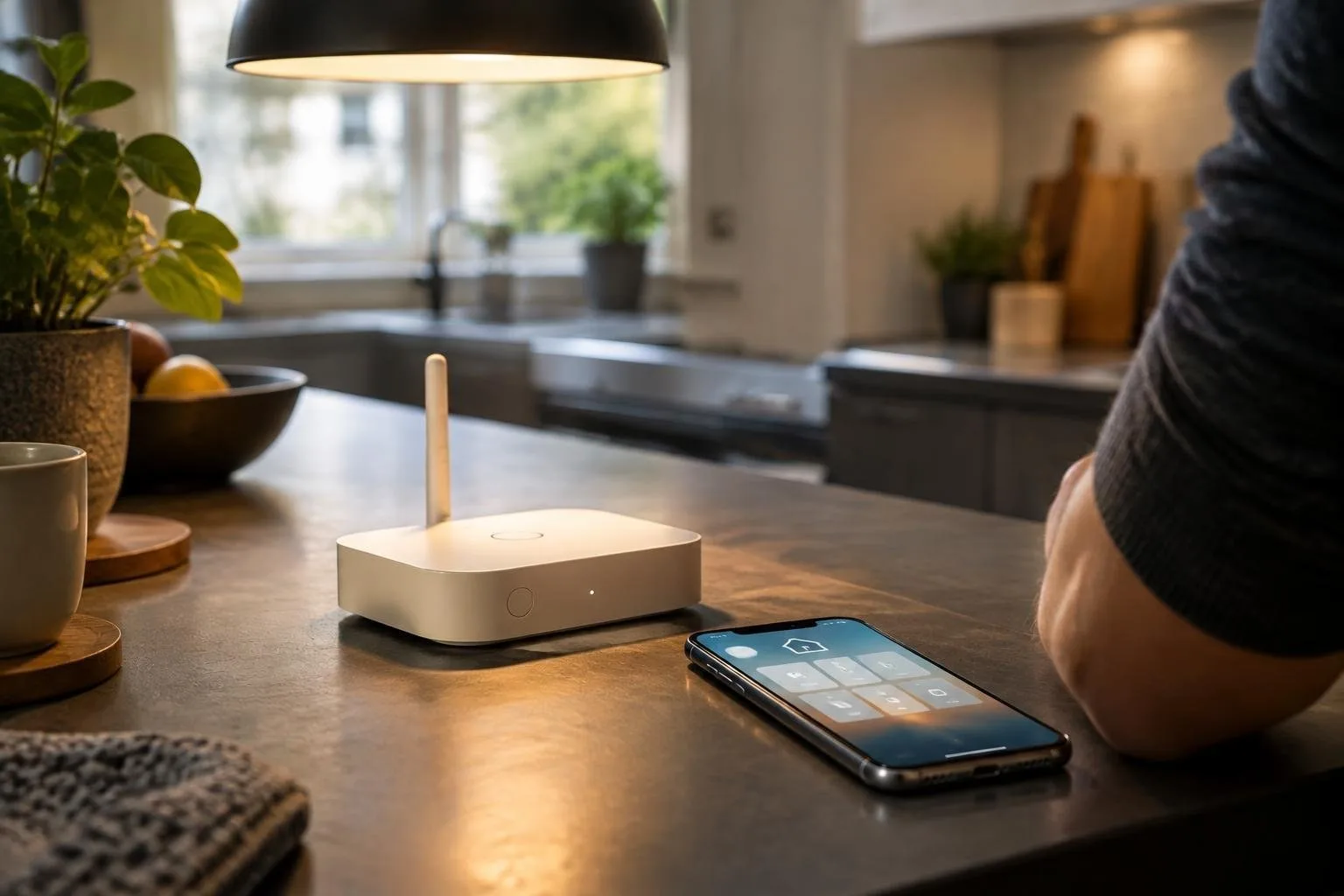
First, it’s essential to understand the basics of Wi-Fi networking. Wi-Fi routers play a crucial role in determining the strength and speed of your internet connection. When choosing a router, consider the size of your apartment and the number of devices that will be connected to the network. A mesh network system can be an excellent option for small apartments, as it provides a reliable and efficient way to cover all areas of your home.
Optimizing Your Router Placement
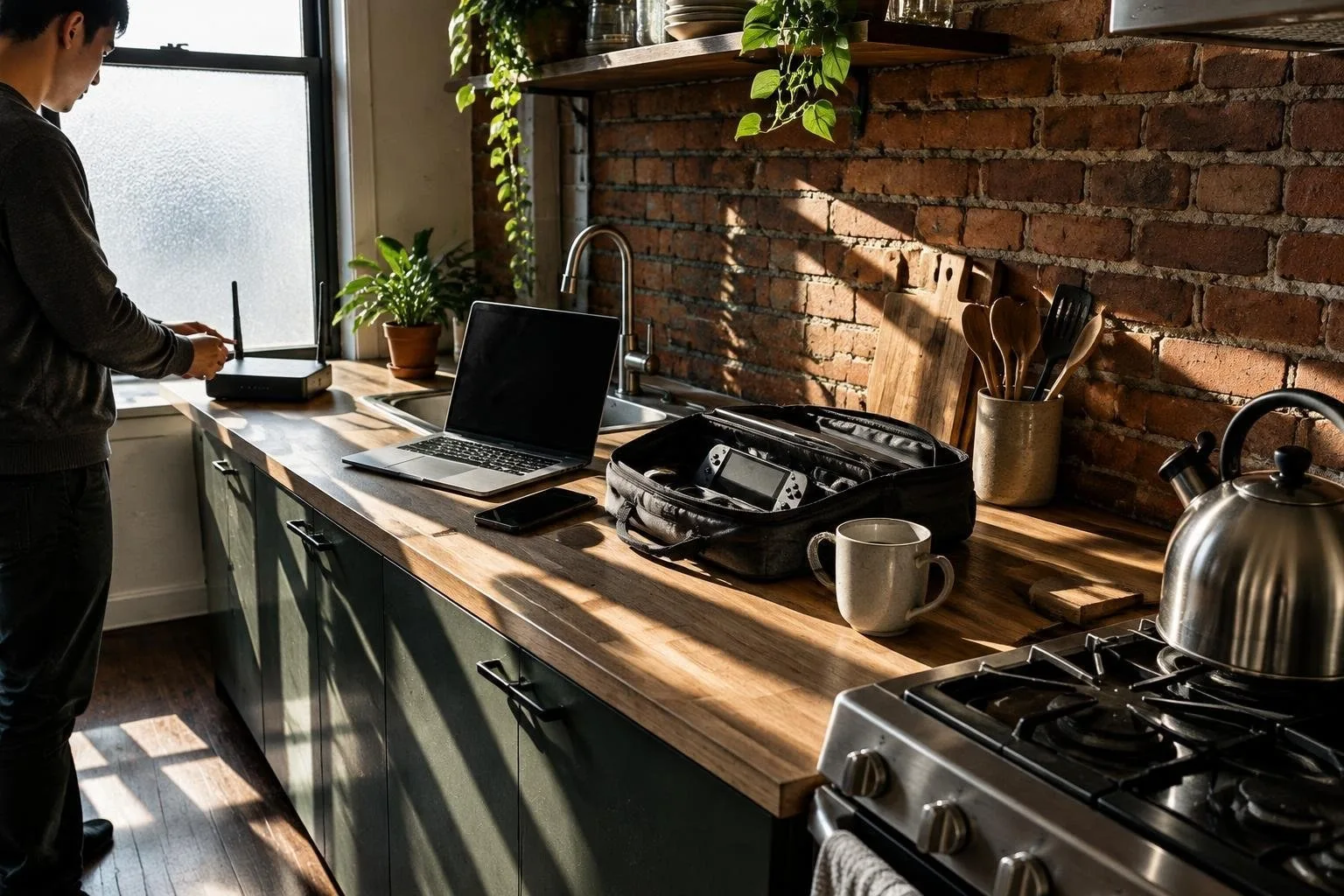
To get the most out of your Wi-Fi network, it’s vital to place your router in an optimal location. Ideally, your router should be placed in a central location, away from walls and obstacles that can interfere with the signal. You can also use Wi-Fi analyzers to determine the best channel for your router and avoid interference from neighboring networks.
Using Mesh Networks for Seamless Coverage
A mesh network system consists of multiple nodes that work together to provide a strong and reliable Wi-Fi signal throughout your home. This type of system is ideal for small apartments, as it eliminates dead spots and ensures that all areas of your home have a strong internet connection. When setting up a mesh network, make sure to place the nodes in strategic locations to ensure maximum coverage.
Prioritizing Gaming and Streaming
If you’re an avid gamer or streamer, you’ll want to prioritize your internet connection to ensure a seamless experience. One way to do this is by using Quality of Service (QoS) settings on your router. QoS settings allow you to prioritize certain devices or applications, ensuring that they receive the necessary bandwidth for smooth performance. You can also use Wi-Fi 6 routers, which provide faster speeds and better performance for gaming and streaming.
Quick Speed Tests and Settings
To ensure that your Wi-Fi network is running at optimal speeds, it’s essential to conduct regular speed tests. You can use online tools to test your internet speed and identify any issues with your connection. Additionally, make sure to check your router’s settings to ensure that you’re using the best channel and encryption method for your network.
By following these tips and using the right equipment, you can build a lag-free home Wi-Fi network that meets your needs for gaming and streaming. Remember to always monitor your network’s performance and make adjustments as needed to ensure a seamless experience.