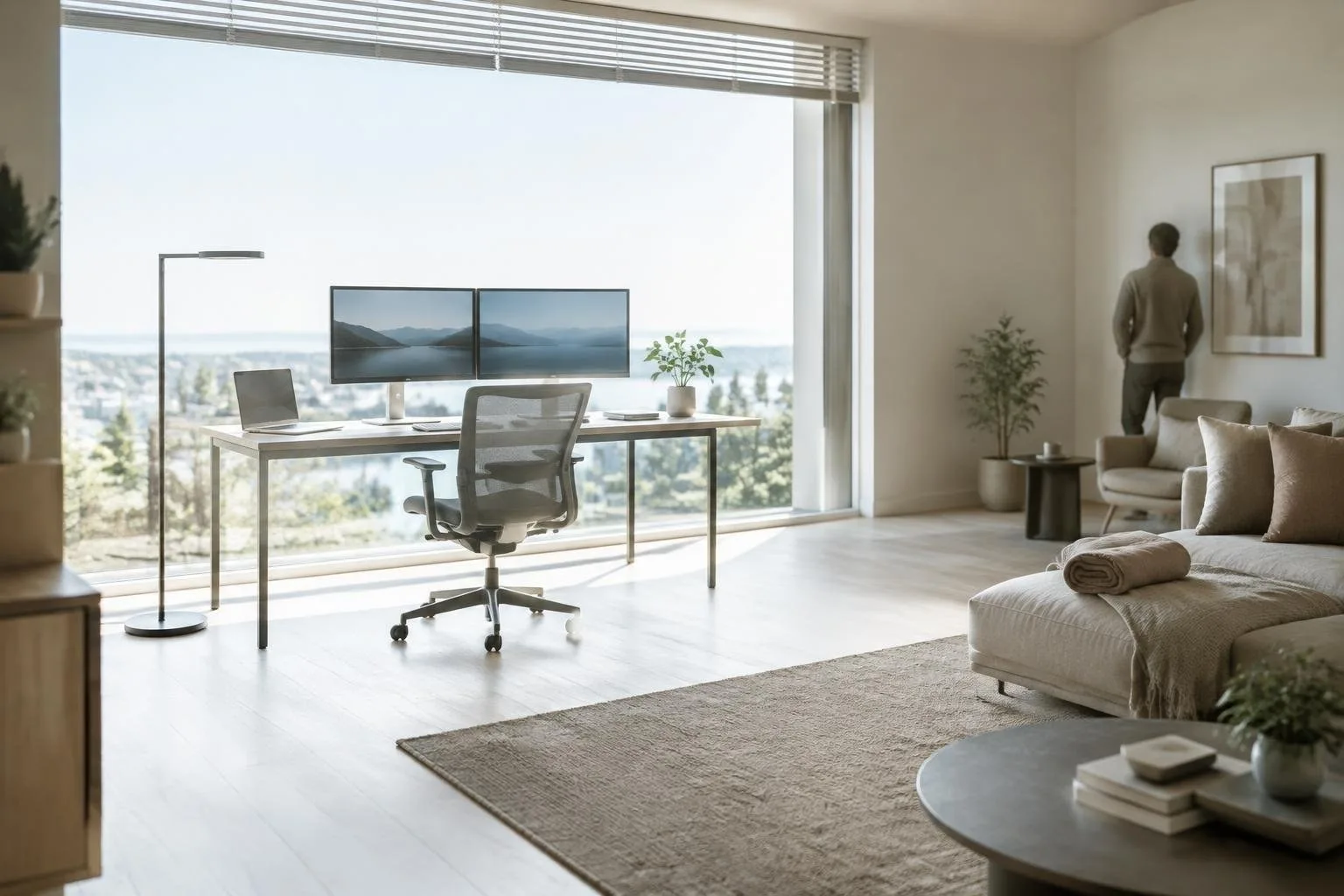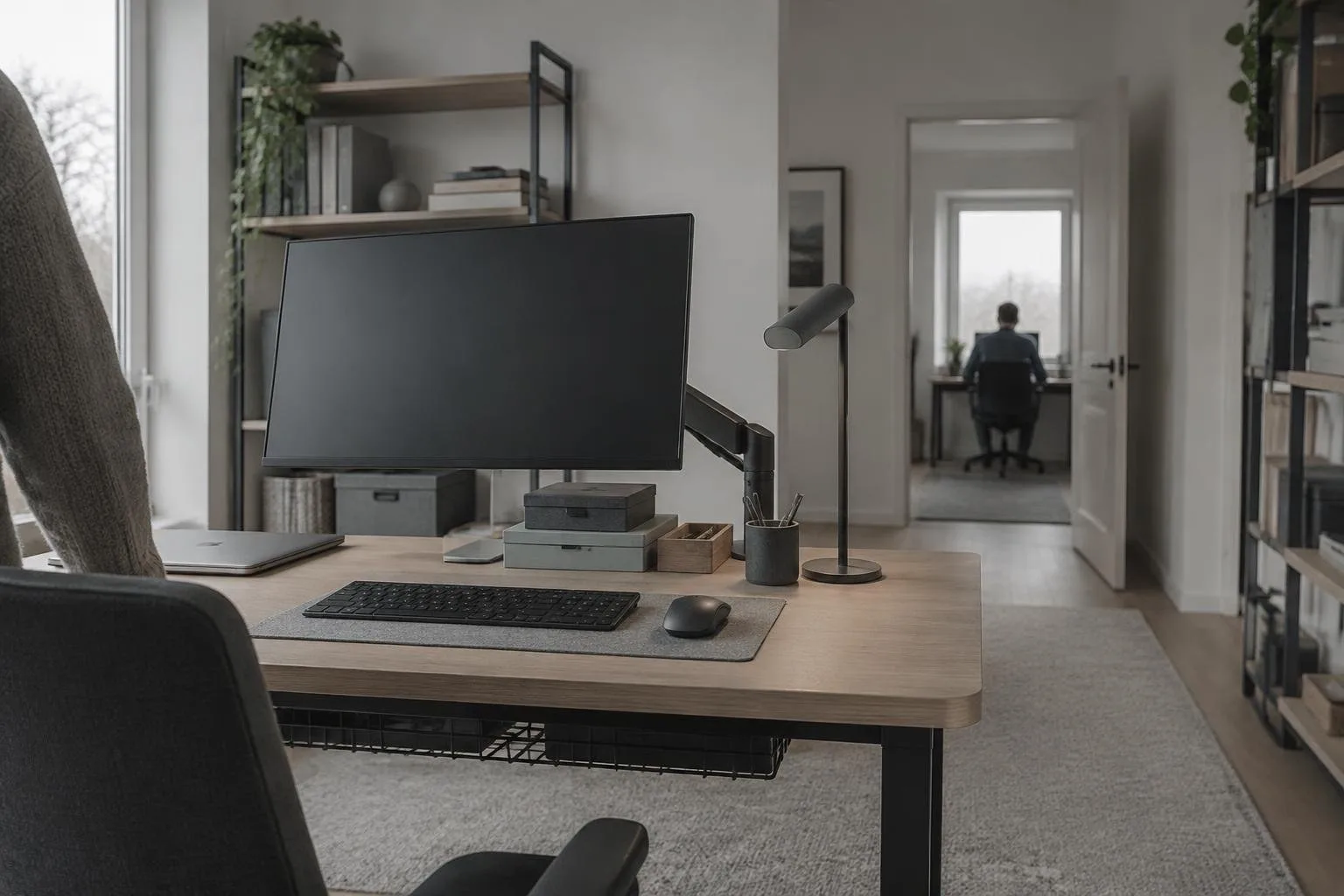
The shift from dining tables and basement corners to dedicated workspaces has changed how we view our homes. A functional home office is no longer just about placing a desk in an empty room; it requires a balance of ergonomics, aesthetics, and technology. By treating this space as a critical asset for professional output, you can create an environment that supports long-term concentration and reduces physical strain.
Ergonomic Foundations and Physical Comfort
Proper posture and workspace layout directly influence cognitive performance. If your current setup causes discomfort, your attention inevitably drifts from complex tasks to managing physical pain. Start by evaluating the flow of your daily activities. Tools should be within arm’s reach, and seating must support extended periods of focused work. This approach minimizes friction and prevents the mental fatigue associated with poor ergonomics.
Investing in specific hardware can dramatically improve your physical interaction with the workspace. A monitor arm raises screens to eye level, freeing up valuable desk real estate while allowing easy angle adjustments. Similarly, an adjustable laptop stand lifts the screen, encouraging a neutral neck position when paired with an external keyboard. These small changes ensure that your body remains supported, allowing your mind to stay engaged with analytical or creative tasks without interruption.
Visual Organization and Storage Solutions
A cluttered visual field creates subconscious distractions. To maintain clarity, organize necessary items using containers that blend function with style. Baskets offer an organic feel and can hide unsightly boxes or documents, while a desktop tray corrals small essentials like pens, chargers, and paper clips. This strategy keeps vital tools accessible without contributing to visual chaos.
Wall spaces often go underutilized. Instead of staring at plain drywall, consider installing a cork bulletin board, magnetic panel, or wire grid. These surfaces allow you to display inspiration, track urgent to-do lists, or showcase travel photos. Changing the view regularly keeps the environment fresh and engaging. For those who need to separate work from leisure areas, such as a guest room or gym, a folding screen provides a quick, elegant solution to conceal non-work zones during the day.
Technology for Professional Presence
Video calls have become a staple of remote work, making your on-screen appearance part of your professional brand. Ensure your camera is positioned at eye level; looking down into a lens is rarely flattering. Raising a laptop on a stack of books achieves this easily. Lighting also plays a crucial role. A desk lamp placed behind the screen provides soft, pleasant illumination, avoiding the harshness of overhead fluorescent lights. An external webcam further improves video quality, offering better framing and low-light performance than built-in alternatives.
Audio clarity is equally important. A dedicated USB microphone captures clearer voice audio, ensuring colleagues understand you during meetings and presentations. Additionally, noise-cancelling headphones help block steady background sounds, aiding concentration during deep work sessions. For connectivity, a USB-C docking station simplifies cable management by connecting monitors, drives, and peripherals through a single port, reducing desk clutter and streamlining your setup.
Aesthetic Choices and Sustainable Habits
The color palette and decor of your office affect your mood and focus. Moving away from neutral tones like greige toward a feature wall in dark burgundy or green can make artwork pop and energize the space. Curated bookshelves displaying plants, ornaments, or certificates elevate the room from a mere utility space to a professional environment. These aesthetic choices signal to your brain that it is time to enter a productive mode.
Maintaining this optimized environment requires consistent routines. Clear your desk surface at the end of each workday to start fresh the next morning. Regularly audit filing systems to ensure documents are stored logically. Adjust lighting and temperature throughout the day to match energy levels. By establishing these habits, you prevent clutter from creeping back in, ensuring your workspace remains a supportive tool rather than a source of added complexity.