Google’s Nest ecosystem has become one of the most approachable ways to start a connected home. From voice-controlled speakers to intelligent thermostats and security cameras, the lineup covers most everyday needs. During the current sale at Best Buy, several flagship items are discounted, making them ideal gifts for beginners or for anyone looking to expand an existing setup.
Beyond the hardware, the Google Home app has quietly gained more automation features over the past couple of years. With presence sensing now built in, the system can react to a family member’s location without extra hubs. Pair that with a custom Android dashboard powered by Home Assistant, and you get a level of control that rivals the most advanced DIY platforms.
Choosing the right Google Nest devices as gifts
For a person who has little or no smart-home gear, the Google Home Speaker is a sensible entry point. Its 360-degree driver fills a room with clear audio, while also acting as a voice assistant that can control other Nest products. At Best Buy the speaker is listed for $79.99, a $20 reduction, and is available in bright colors like Berry and Jade as well as neutral tones such as Porcelain and Hazel.
The Nest Learning Thermostat (4th gen) offers a step up in convenience and savings. It integrates with most HVAC systems, learns heating and cooling patterns, and adjusts schedules automatically to reduce energy bills. The current discount brings the price down to $219, $60 less than the regular retail rate. For households that prefer a simpler model, the standard Nest Thermostat provides many of the same features at a lower price point.
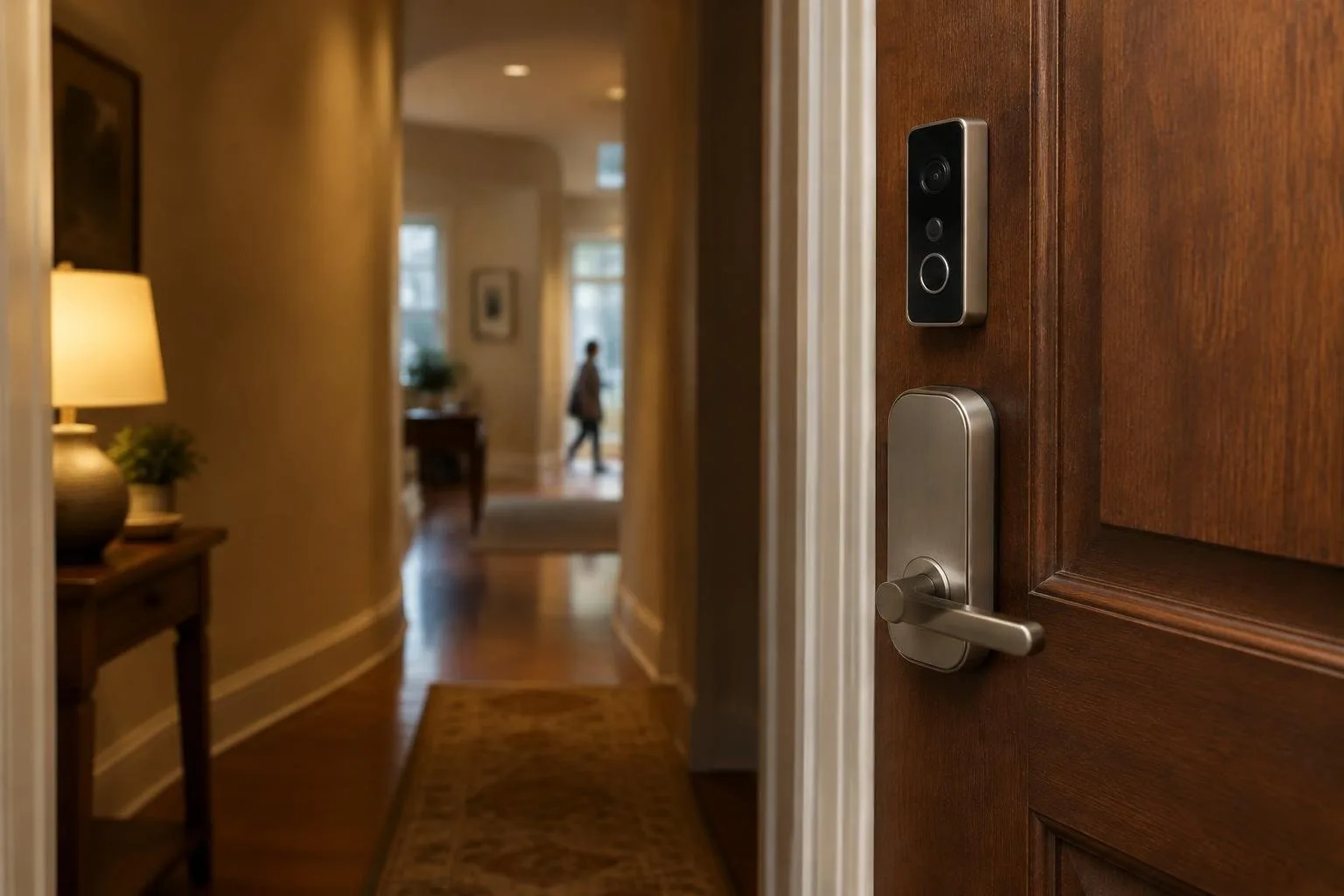
Security-focused gifts include the Nest Cam series and the Nest Doorbell. The indoor and outdoor cameras deliver 1080p video, night vision, and—thanks to the new Gemini AI—smart alerts that differentiate people, animals, and vehicles. The Doorbell comes in wired and battery versions; the battery model is ideal for apartments or rentals, while the wired variant offers continuous recording.
Setting up powerful automations with the Google Home app
The most noticeable improvement in recent updates is the expanded presence sensing capability. By linking each household member’s phone location and Wi-Fi network, Google Home can determine whether the home is occupied. This information can trigger actions such as turning on a robot vacuum when everyone leaves, or lighting the porch when someone arrives after sunset. To enable it, open the app, tap your profile picture, and navigate to Home Settings > Presence Sensing.
A popular morning routine starts with the Google Clock app. When the alarm is dismissed, a routine can announce the weather, read calendar events, and gradually brighten a bedside lamp. Adding a smart plug to fire up a coffee maker a few minutes later completes the experience. All of these steps are configured within the Clock app’s routine editor, which now supports timed delays for smoother transitions.
Cross-device automations have also arrived. For example, you can set a rule that dims the living-room lights when a Google TV or Chromecast starts playback, and restores a soft light when playback pauses. Adding a short delay—say, thirty seconds—prevents the room from plunging into darkness the instant a video begins. Similar triggers can be built for washing machines, dryers, or any Wi-Fi-enabled appliance that reports its status.
Building a custom Android dashboard for deeper control
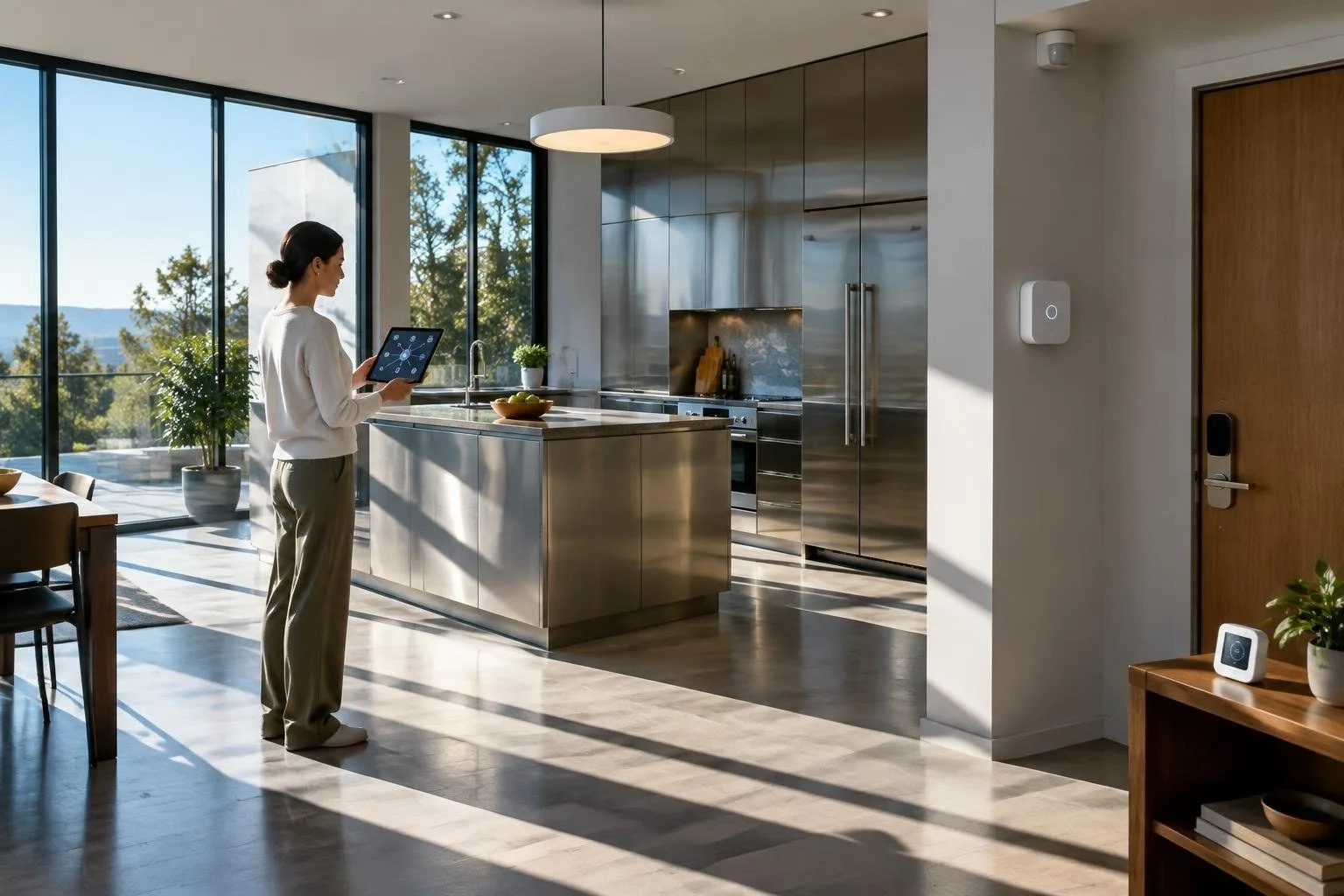
Pre-made interfaces like Apple’s HomeView often feel restrictive, especially when you own devices outside the Apple ecosystem. A flexible alternative is to repurpose a 13-inch Android tablet as a dedicated smart-home console. Choose a non-OLED screen to avoid burn-in on always-on displays, and ensure the tablet has solid battery life or a convenient charging dock for continuous use.
The backbone of the setup is Home Assistant, an open-source platform that can ingest data from virtually any smart product, including all Nest devices. To streamline installation, the AI assistant Claude can walk you through adding integrations, creating automations, and designing the dashboard layout. Once Home Assistant is running, install Kiosk Satellite to lock the tablet into a single-purpose mode, removing distractions and preventing accidental app exits.
Your custom dashboard can showcase live camera feeds, Spotify controls, weather widgets, and quick-tap buttons for common scenes—like “Away” or “Movie Night.” Swipeable screens let you separate lighting controls from media playback, while a dedicated page for AI-driven voice commands can later be added. Future upgrades might include mounting the tablet on a wall, adding a stand, or deploying multiple tablets for room-specific panels.
By combining discounted Nest hardware, the evolving automation engine of Google Home, and a personalized Android console, you can create a smart-home experience that feels both premium and tailored to individual preferences—without waiting for a single vendor to deliver every feature.