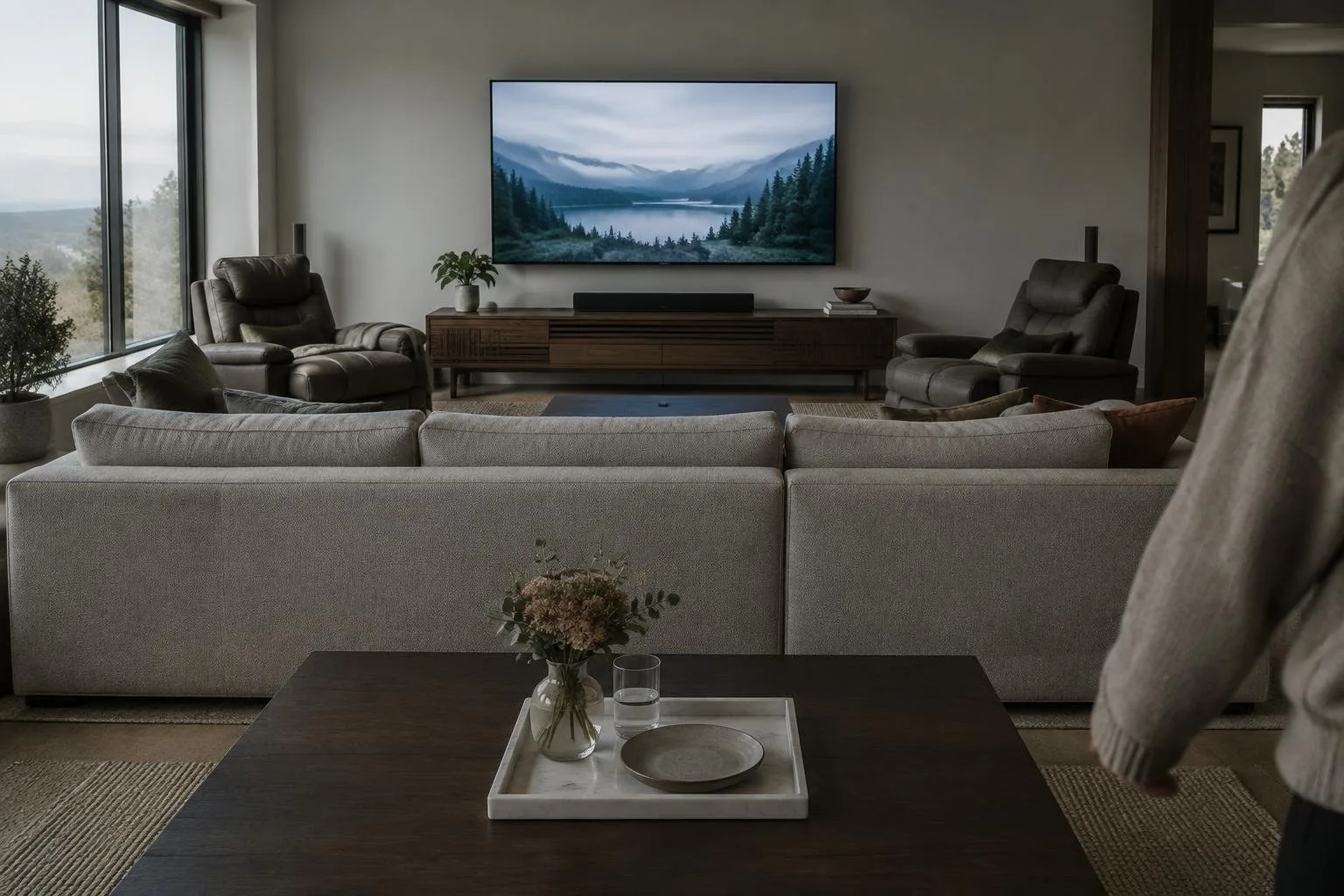
Building a smart home from scratch can feel overwhelming, especially when every gadget seems to require its own app. The goal is not just to collect devices, but to create an ecosystem where components talk to each other seamlessly. With Black Friday sales currently active on Amazon, now is the ideal time to start assembling a setup that actually simplifies your life rather than complicating it.
The most effective systems rely on a central hub, such as Amazon Alexa or Google Home, which allows you to manage lights, locks, and thermostats from one interface. However, true efficiency comes from integration. When devices share data, they can trigger actions based on real-world context, like your location or calendar events, turning passive hardware into active assistants.
Core devices for a unified ecosystem
To establish a solid foundation, focus on these five categories of devices. Each plays a specific role in reducing manual effort:
- Smart Thermostat: This device learns your schedule and adjusts temperatures automatically, offering immediate energy savings and comfort without constant tweaking.
- Smart Locks: These provide peace of mind by allowing you to check if doors are secured remotely, eliminating the need to double-check before leaving the house.
- Smart Lighting: Set schedules or change ambiance with voice commands. Integrated lighting can signal routines, such as dimming at 7:30 PM to indicate evening wind-down time.
- Mesh Wi-Fi System: A reliable network is critical. Mesh systems prevent drop-offs that cause devices to become unresponsive, ensuring your sensors and hubs communicate consistently throughout your space.
- Voice Assistant Hub: Whether it is an Echo Dot or a Google Nest Hub, this is the command center. It bridges the gap between physical devices and software automations, enabling complex interactions through simple speech.
Automating daily routines beyond the basics
Once your hardware is connected, the next step is leveraging software platforms like Home Assistant or IFTTT to automate tasks. You do not always need new gadgets to gain efficiency; sometimes, existing smartphones and calendars are enough. For example, linking your calendar to your home system can automatically silence your phone during meetings, preventing embarrassing interruptions while you are on speaker.
Health and household management also benefit from smart integrations. Consider medication tracking: instead of relying on memory, set up alerts that repeat every half hour starting at 7:30 PM until you confirm the dose was taken. If you forget, the system can even pause reminders while you are away and restart them once GPS detects you have returned home. This level of customization ensures the technology adapts to your habits, not the other way around.
Practical examples of smart chore management
For families, automating chores can end daily nagging. Using custom integrations within Home Assistant, children can view tasks on a tablet. When a chore is marked complete, a notification goes to parents’ phones for verification. Once approved, kids earn stars redeemable for allowance or extra screen time. This system uses standard tablets and notifications, requiring no additional dedicated smart home hardware beyond what you likely already own.
Similarly, weather alerts can be refined to avoid notification fatigue. Instead of being told about rain when you are indoors, link your calendar so alerts only appear when you have plans to go out. This contextual awareness keeps your digital environment calm and useful.
Ensuring compatibility and future-proofing
Before purchasing any device during this week’s sales, verify compatibility. Stick to ecosystems like Alexa or Matter to ensure new additions work with your current setup. Mixing brands often leads to fragmentation, where devices fail to sync properly. A cohesive system relies on standardized protocols, allowing a smart lock to trigger a security camera or a thermostat to adjust when motion sensors detect activity.
If DIY configuration feels too technical, professional installation services can help align these components correctly. Experts assess your specific needs, from security to energy savings, ensuring that mesh networks cover dead zones and hubs are configured for optimal performance. This tailored approach guarantees that your investment results in a functional, stress-free home environment from day one.